Mu. Mood tracking, symptoms and habits
Track mood, symptoms, habits, medications — and let patterns emerge naturally over time.
Mu. is entirely free. Pro bono. No paywall, no subscription, no accounts, no ads.


symptoms and habits
iPhone · Android
Apple Watch
Report
What Mu. is
What you can do with Mu.
Some ways to use Mu.
Support
Getting started
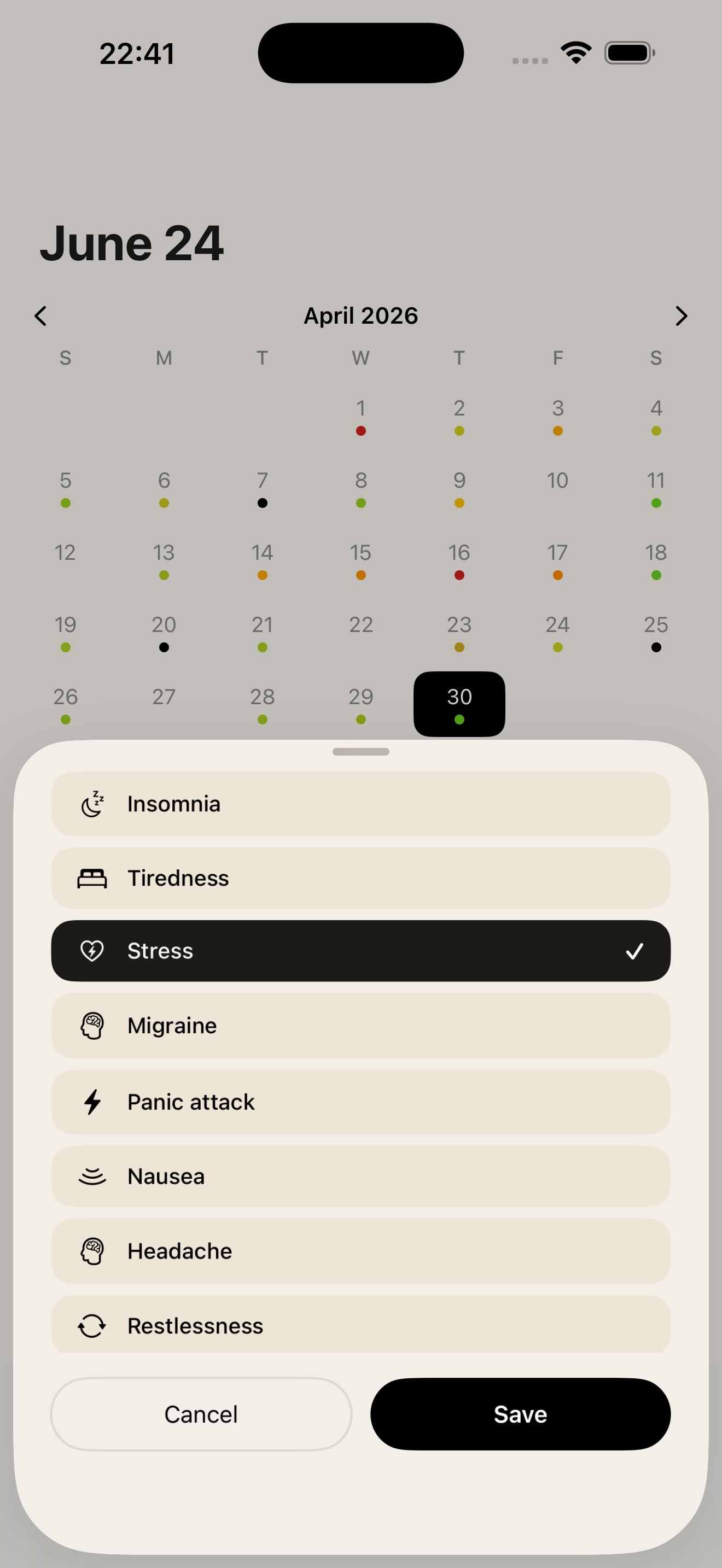
Tap the + button to log an event. You can select as many events as you like — only the ones you've chosen to track will appear in the list.
Mood
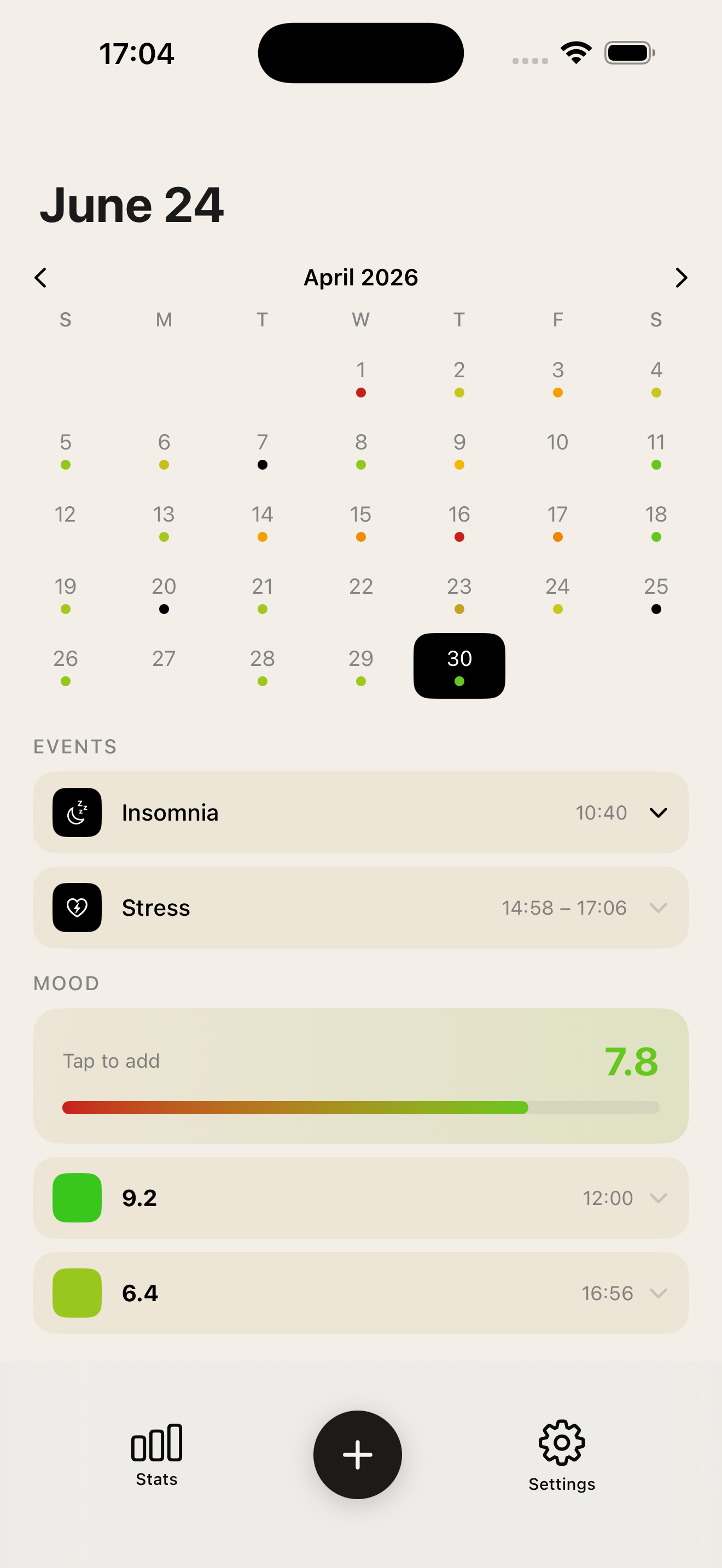
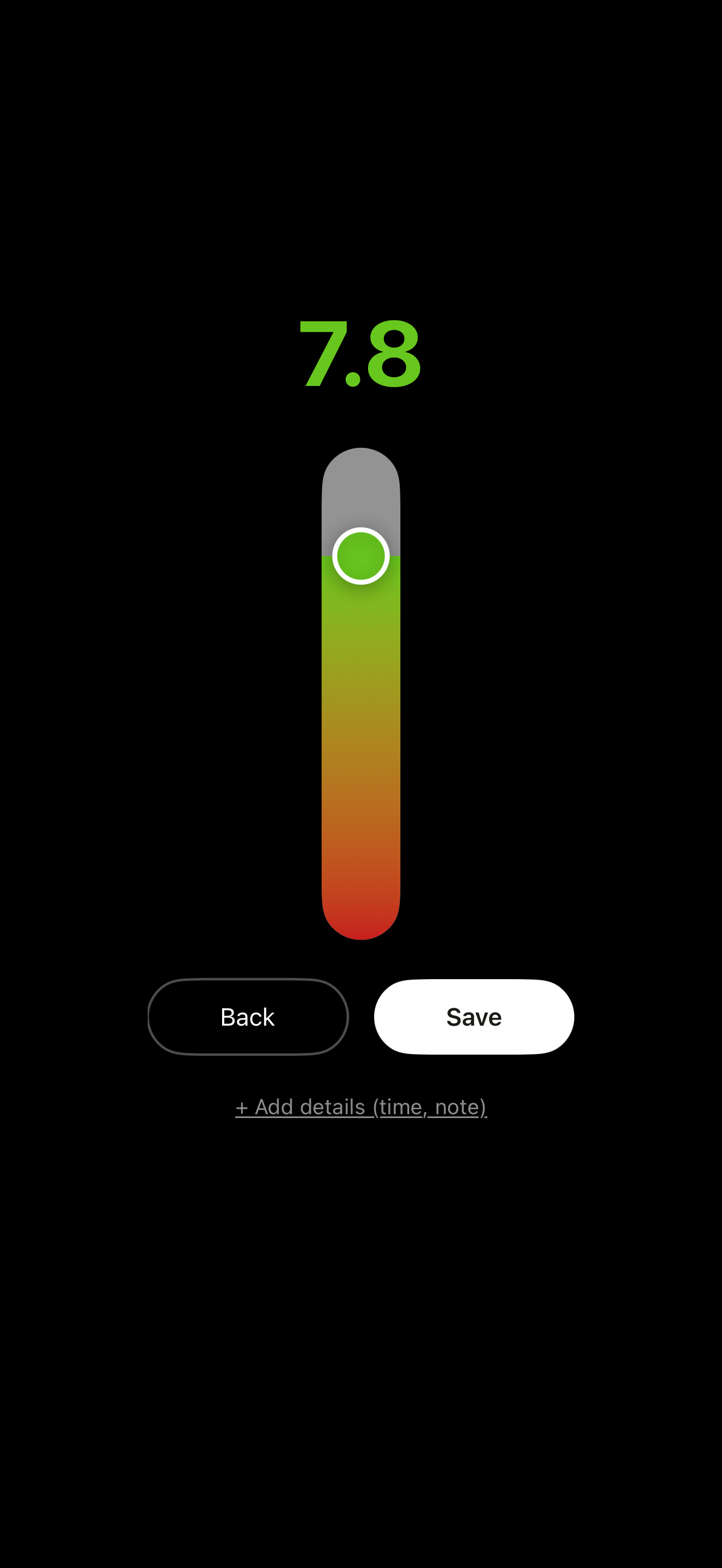
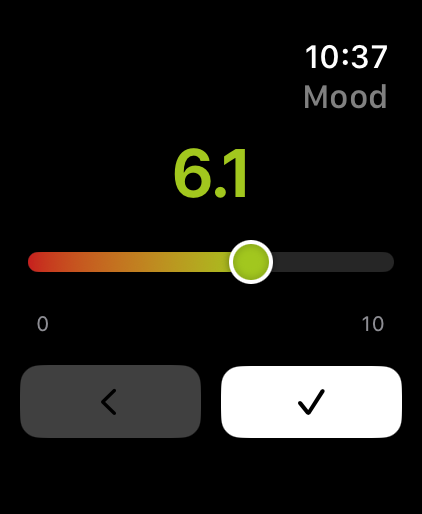
If you chose to track your mood, a colored bar appears on the home screen. Tap it to log a score on a scale of 0 to 10. You can log mood multiple times in a day — each entry is timestamped and listed separately. Tap any mood entry to expand it and edit its time or add a note. The daily average is shown in the mood bar summary.
Events
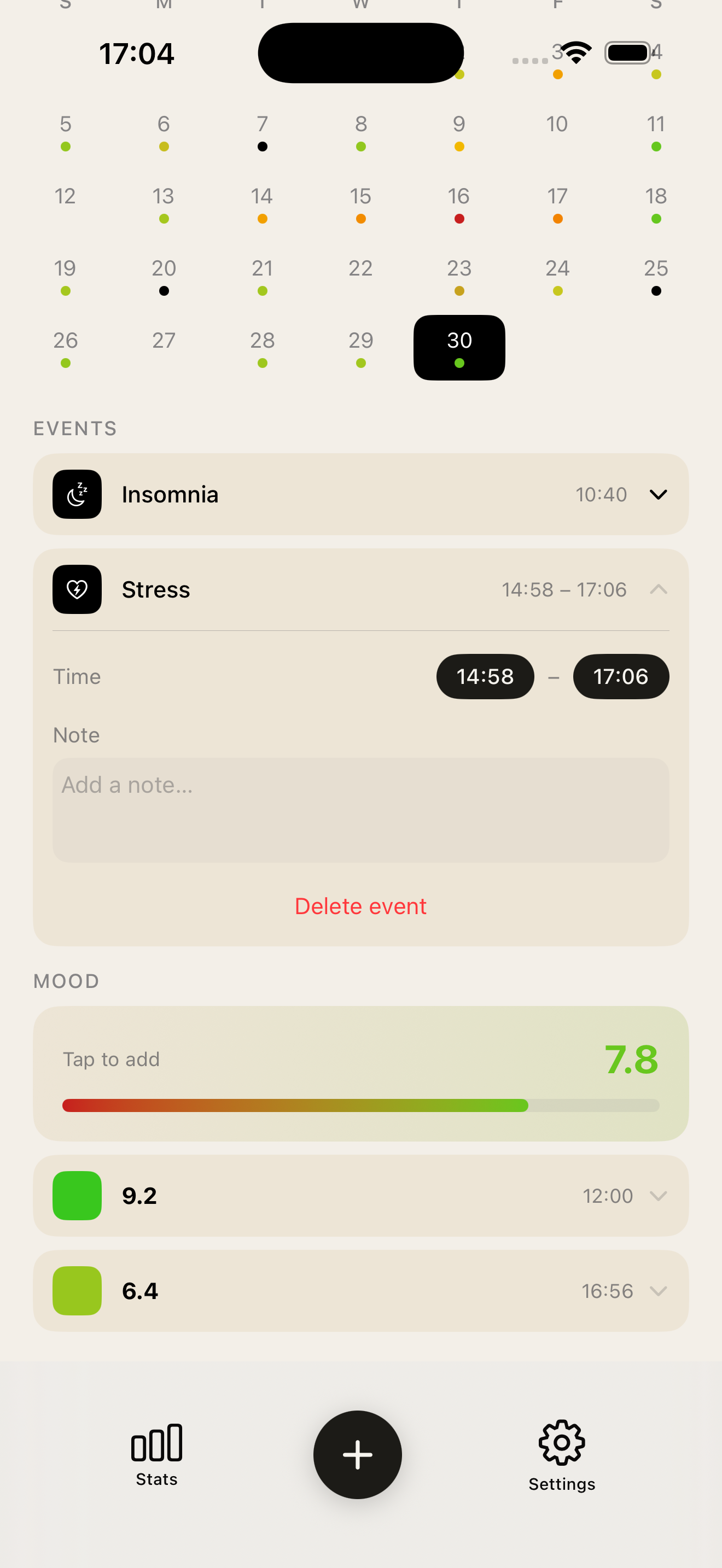
Each logged event appears as a row under the selected day. Tap an entry to expand it: you can set a start time, an end time, and add a short note. The same event can be logged more than once on the same day. To delete an entry, expand it and tap the trash icon.
Calendar view
The calendar shows a colored dot for each day that has data. Use the arrows to move between months. Tap any day to see its entries below, or to log new ones.
Statistics
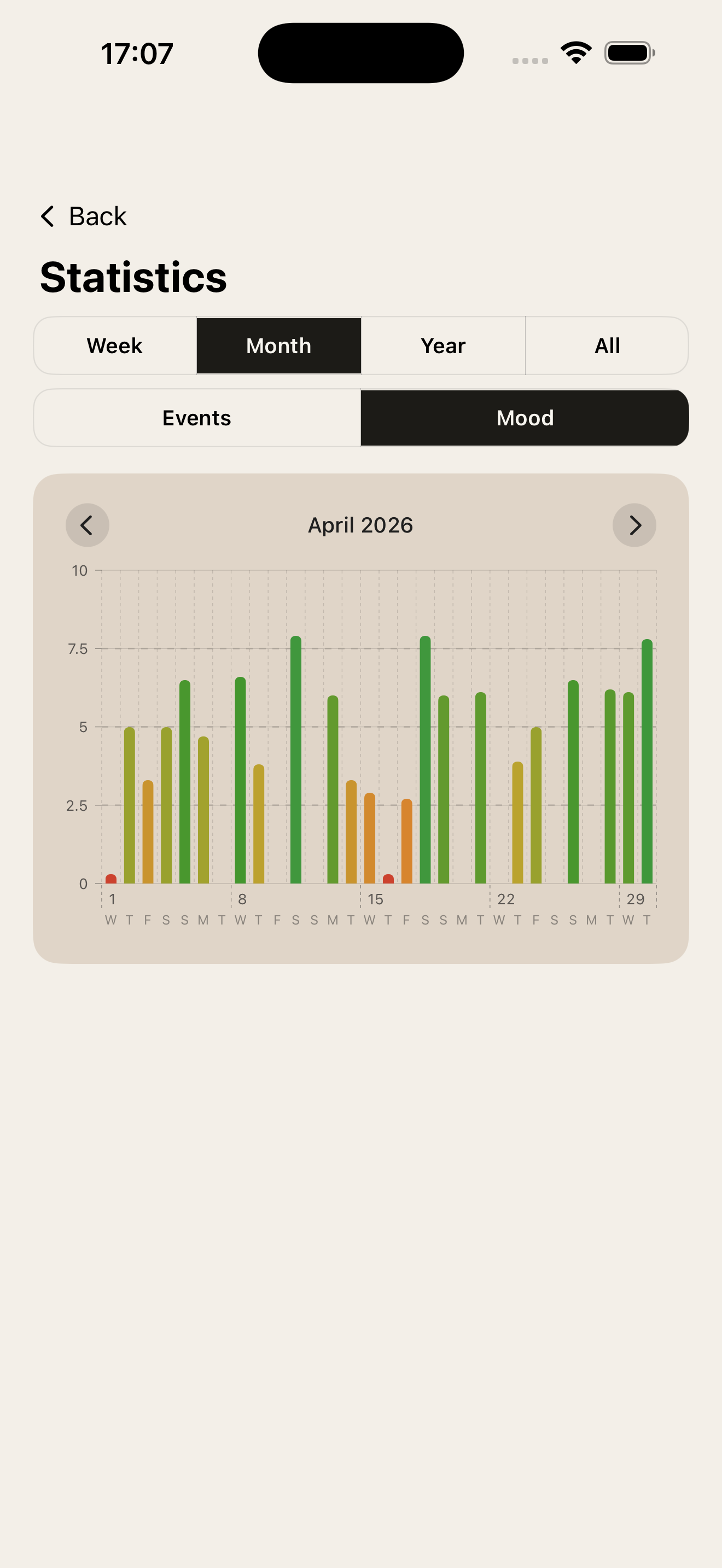
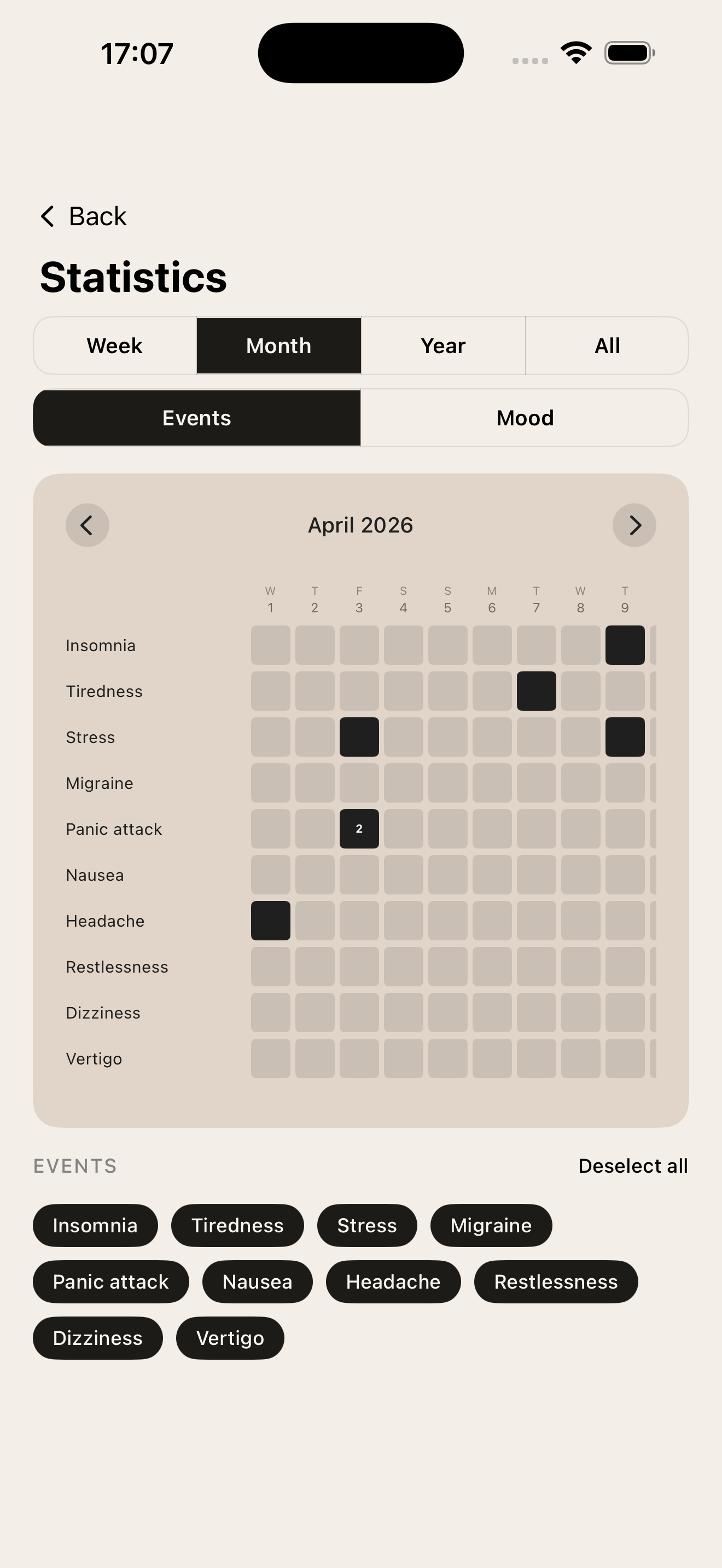
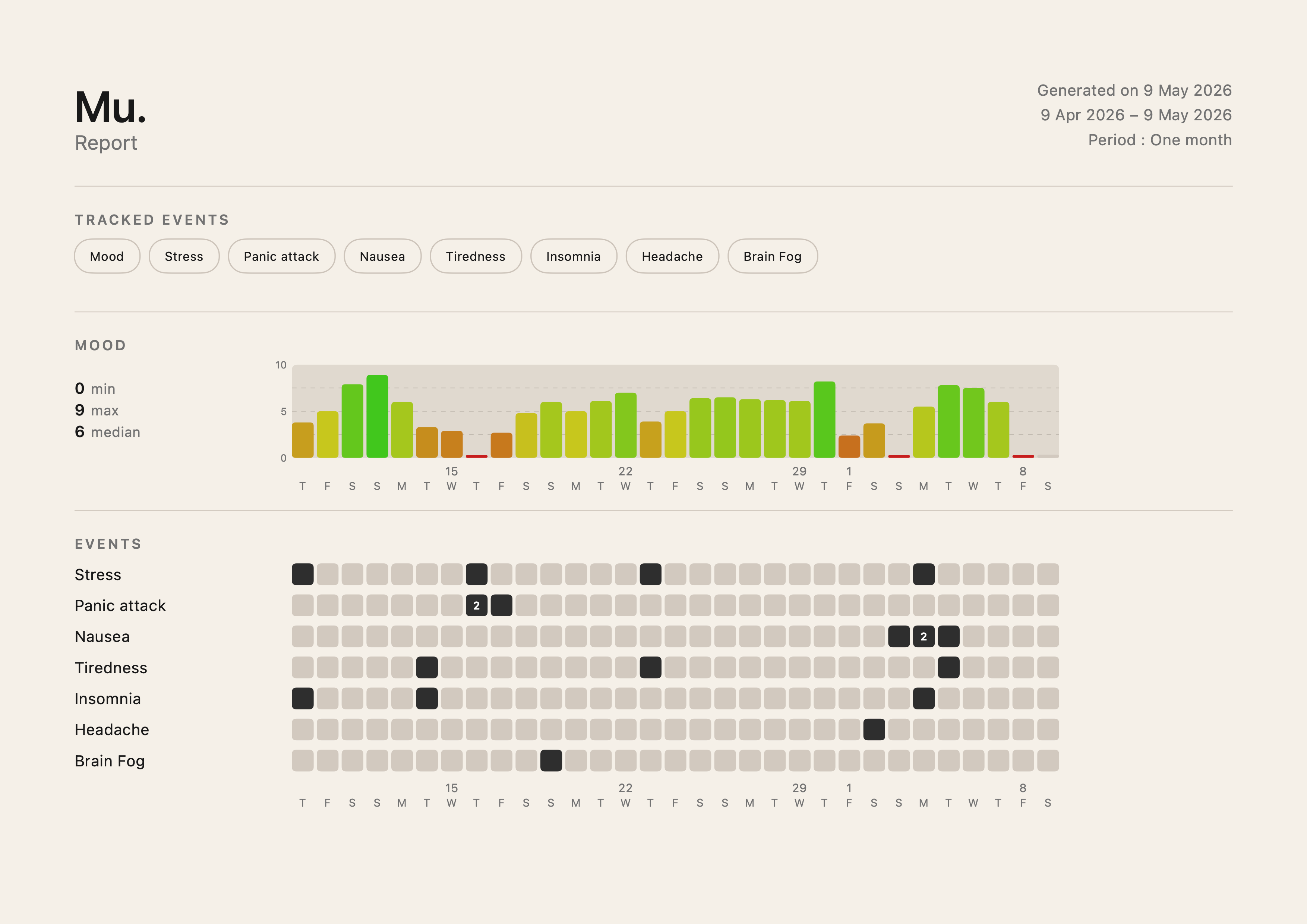
Tap the chart icon to explore your data. Switch between Events and Mood views, and use the period selector (Week, Month, Year, All) to change the time range. Use the arrows to move between months. The Events view shows a heatmap — one row per event, one column per time unit. A filled cell means the event occurred; a number inside means it occurred more than once that day. The Mood view shows a bar chart of your average mood over time on a fixed 0–10 scale.
Managing events
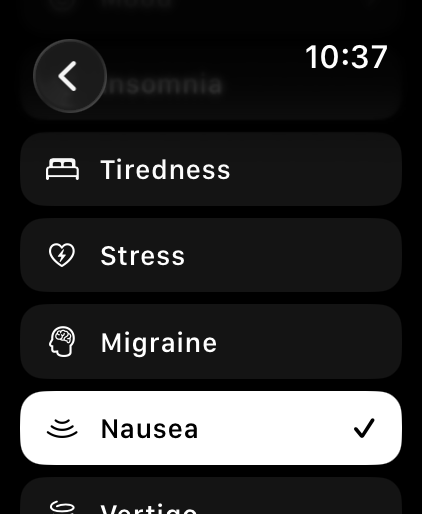
Go to Settings → Manage events to add, remove, or reorder the events you track. You can also add medications (with a custom name) and free-text custom events.
Reminders
Go to Settings → Reminders to enable daily notifications prompting you to log your mood. You can set up to five reminders at different times of day. Reminders can be turned on or off at any time.
Exporting your data
Go to Settings → Export data to download your history as a CSV or as a PDF report. The PDF includes a mood chart and an event heatmap. You can choose the time period and which events to include.
Watch app
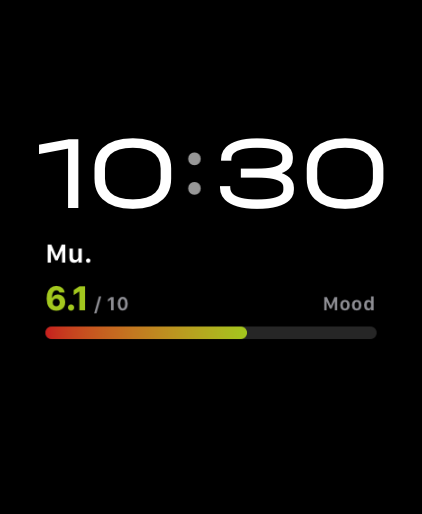
If you have an Apple Watch, Mu. lets you log events and your mood directly from your wrist. Data syncs automatically with your iPhone.
Watch complications
Three complication styles are available: a circular one showing today's event count and mood, and two rectangular ones — one for the mood bar, one for the last event logged today.
Legal
I. Privacy Policy
Mu. is designed with your privacy in mind. All data you enter — including events and mood scores — is stored exclusively on your device and, if iCloud is enabled, in your personal iCloud account. No data is ever transmitted to our servers or shared with third parties.
We do not collect analytics, usage data, advertising identifiers, or any personally identifiable information. We have no access to your data.
Mu. does not use third-party SDKs, trackers, or advertising networks. The app works fully offline; syncing through your own iCloud account is optional.
II. Data Deletion
You retain full control over your data at all times.
To delete all your data: on Android, go to Settings → Apps → Mu. → App info → Storage → Clear storage. On iOS, uninstall the App. If iCloud is enabled, also delete the app's data in Settings → [your name] → iCloud → Manage Account Storage.
This action is permanent and cannot be undone.
Contact
A question, a suggestion, or a bug to report? Send a message.